Sketch in the GUI.
Edit in Python.
Hand it to an agent.
Pick it up in the GUI.
A parametric CAD app for makers who like code but also like a powerful GUI — with real constraints, components, mates and standard parts.
No cloud. No account. Your design is yours.
Free during the beta. Requires macOS 15.6 or later on Apple silicon.
How it works
One document, three ways in. The GUI and the Python are the same model; an agent edits it the way you would.

Sketch with constraints
Draw rough, then pin it: horizontal, vertical, tangent, equal, dimensions. The badge tells you when the sketch is fully constrained and which constraints conflict. Every constraint is one line of Python.
WIDTH = cad.variable(80.0, driving=True)
B = cad.point2d(WIDTH, 0.0)
cad.horizontal(l_bottom)
cad.distance(A, B, WIDTH)
hole = cad.circle2d(hc, HOLE_DIA / 2.0)
Edit the Python
The right panel is the model. Change a variable, run it, and the part re-solves. Helper modules sit next to the main file; a document is a plain .py or a .fwcad bundle that packages everything it imports.
> Add 4 holes to the bracket in
  Bracket.fwcad. The holes are at the
  4 outside edges of the bracket, have
  a diameter of 10mm and edge distance
  of 15mm. Drive the diameter and edge
  distance by fixed variables with the
  name "dia" and "dist".
Hand it to an agent, take it back
No built-in AI. Give the scripting guide to Claude Code, Cursor or any agent, describe the part, and it writes ordinary FlywheelCAD Python. Open the result, edit a dimension it wrote, and the part follows. (The prompt above is the one in the video.)
Examples
Three projects, each showing one thing FlywheelCAD is for. All of them are in the free downloads.

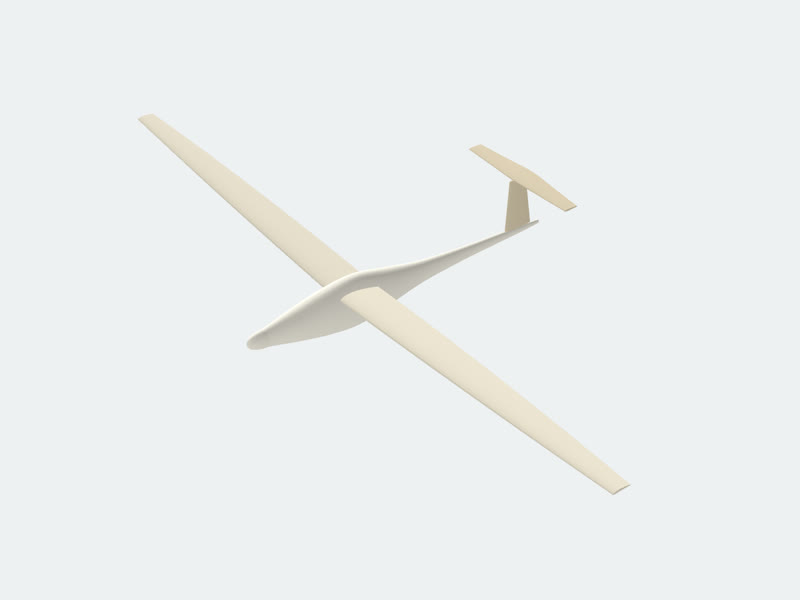
No AI inside. Any AI outside.
FlywheelCAD has no cloud connection and no account. It doesn't need one: every document is ordinary Python, so the coding agent you already use can write and refactor your models.
- The AI Scripting Guide is the whole API in one Markdown file, sized for a context window.
- Drop it in, describe the part, and let the agent do the hard geometry — gear teeth, airfoil sections, part families.
- Whatever it writes stays a
.pyfile. Open it, run it, keep going by hand or by prompt.
Compared to
The rows this workflow is about, and where FlywheelCAD stands on each.
| Feature | FlywheelCAD | OpenSCAD | CadQuery / build123d | Fusion | Onshape |
|---|---|---|---|---|---|
| Model is a plain text file an agent edits like code | yes | yes | yes | no¹ | no¹ |
| Interactive sketching with constraints | yes | no | no | yes | yes |
| Assemblies with mates | yes | no | in code | yes | yes |
| Standard parts with live insert | yes | libraries, code only | libraries, code only | McMaster-Carr (online) | yes |
| Runs offline, no account | yes | yes | yes | account; offline ≤ 2 weeks | cloud only |
| STEP export | no (mesh kernel) | no | yes | yes | yes |
| 2D export | DXF, SVG | DXF, SVG | DXF, SVG | drawings | drawings |
| Platform | macOS 15.6+, Apple silicon | Windows, macOS, Linux | Windows, macOS, Linux | Windows, macOS | browser, iOS, Android |
¹ Fusion and Onshape have MCP servers that let an agent drive the app; the model itself is not a file the agent edits. Fusion and Onshape are far more complete CAD packages — this table is about the workflow, not feature count.
Latest news
-
FlywheelCAD 0.35
glTF export, watertight meshes, and variables accepted in point coordinates, placements and mates.