Motor mount
A plate cut with declared region holes and populated from the standard library: a NEMA 17 stepper, a servo with its horn, a 608 bearing and eight cap screws. Every part is mated onto a named anchor. Nothing is placed by typed coordinates.
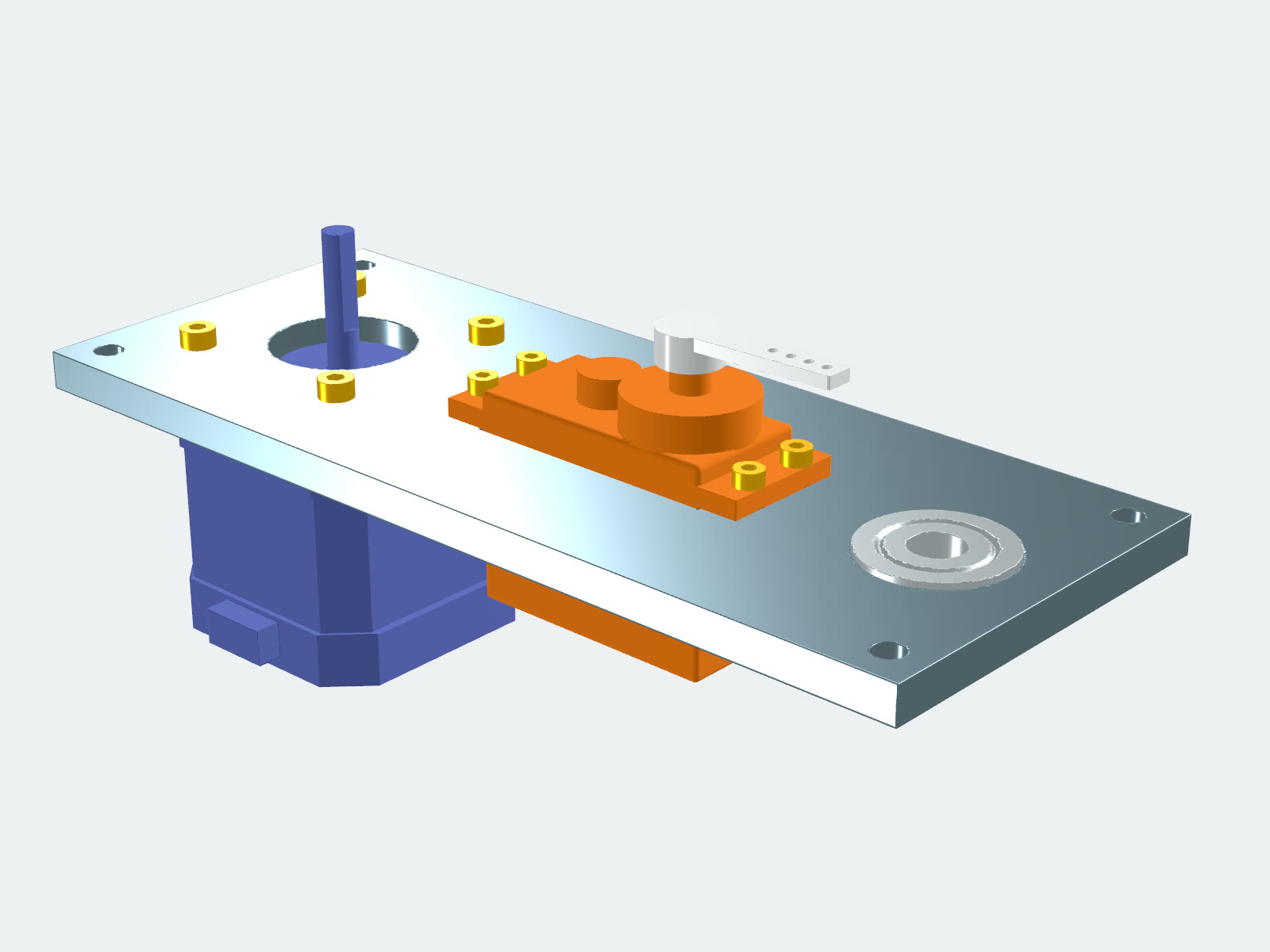
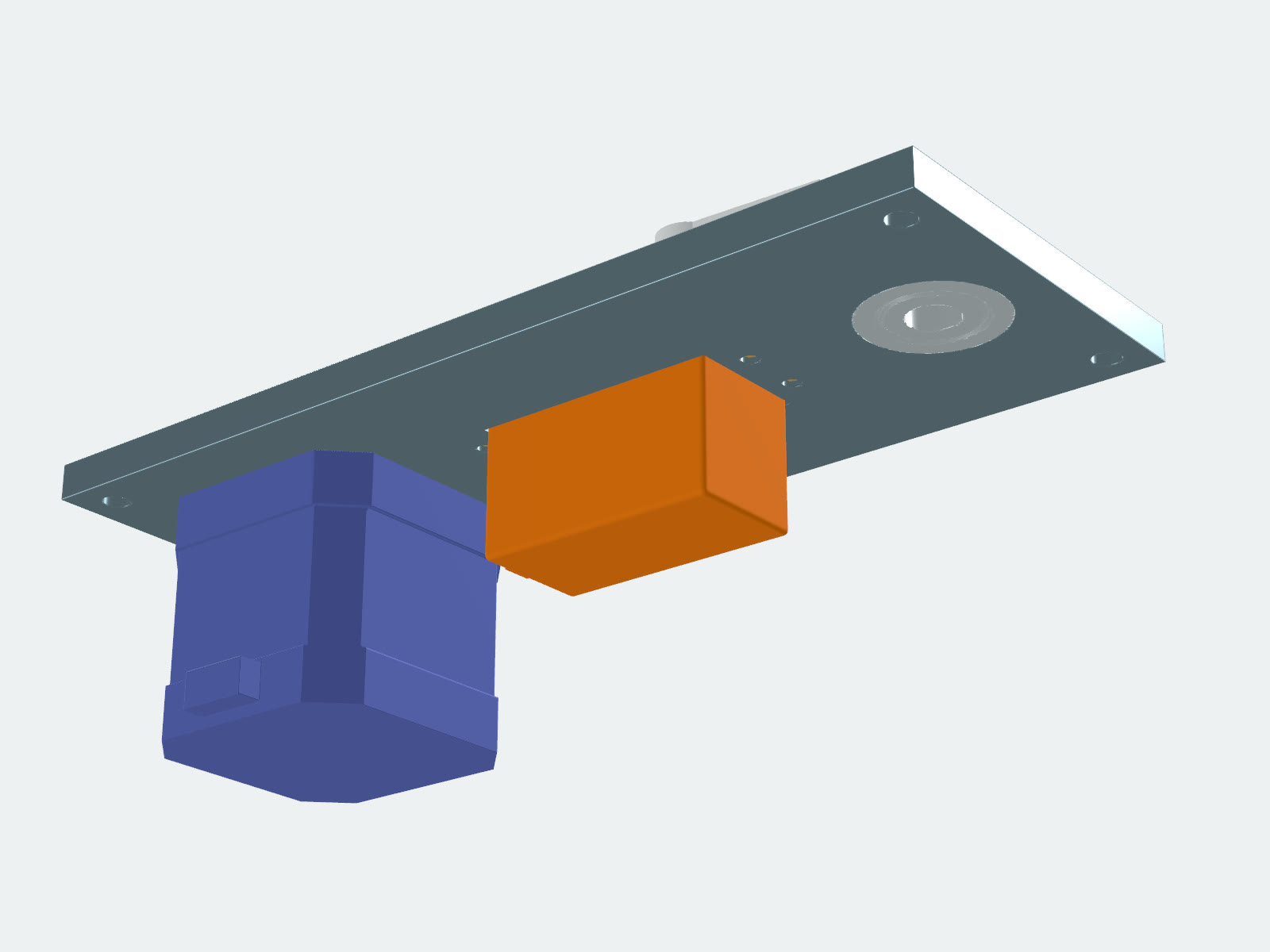
What it shows
- Catalog parts straight from the standard library (
stepper,servo,horn,cap_screw,bearing), vendored into the project'slib/standard/so it travels with them. - The plate is a component that exports anchors. Each part snaps onto one with
cad.mate_coincident. The servo's screws mate onto the servo's own mount holes, so they follow it. - Every cutout in the plate is a declared region hole, and the motor and servo hole patterns come from the same library tables the parts are built from. Move
MOTOR_ATorSERVO_ATand the holes, the parts and their screws follow.
The code
m = stepper(cad, size=17, length=40)
motor = cad.instance(m)
cad.mate_coincident(motor, "mount_face", plate.motor_face)
cad.set_color(motor, "#5C6BC0", finish="matte")

# Four M3 cap screws, heads on the plate top, into the motor's faceplate taps.
m3 = cap_screw(cad, thread="M3", length=8)
for i in range(len(MOTOR_BOLTS)):
    s = cad.instance(m3)
    cad.mate_coincident(s, "under_head", getattr(plate, f"motor_bolt_{i}"))
    cad.set_color(s, "#FFC107", finish="metallic")

# Servo dropped into its cutout, flange seated on the plate top.
sv = servo(cad, size="standard")
servo_inst = cad.instance(sv)
cad.mate_coincident(servo_inst, "mount_0", plate.servo_seat)
cad.set_color(servo_inst, "#F57C00", finish="matte")

# Four M2.5 screws mated onto the servo's own mount holes, lifted by the
# flange thickness so the heads sit on the flange top. They follow the servo.
m25 = cap_screw(cad, thread="M2.5", length=8)
for i in range(len(SERVO_HOLES)):
    s = cad.instance(m25)
    cad.mate_coincident(s, "under_head", getattr(servo_inst, f"mount_{i}"),
                        offset=(0, 0, SERVO_STD["flange_t"]))
    cad.set_color(s, "#FFC107", finish="metallic")
Catalog parts arrive with named anchors, and placing one is a mate. Excerpt from MotorMount.fwcad/main.py; above it, the plate component declares its holes and exports motor_face, motor_bolt_0..3, servo_seat and bearing_seat.
Open MotorMount.fwcad from the Sample Assemblies bundle. The same parts are one click away in the app under Component ▸ Insert from Library….